Open a view from data
Views can be opened from the context menu of any row in the table used as the root table when the view was created.
Open the data explorer
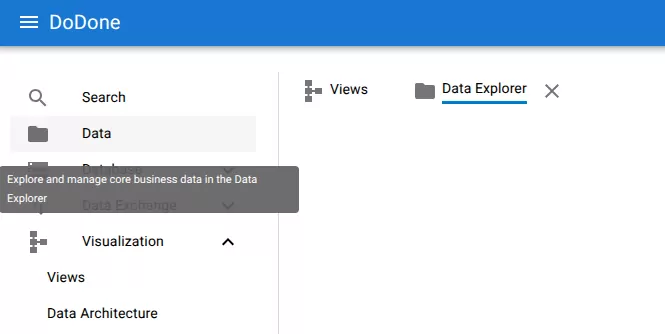
Navigate to:
Data → select table
Open the row menu
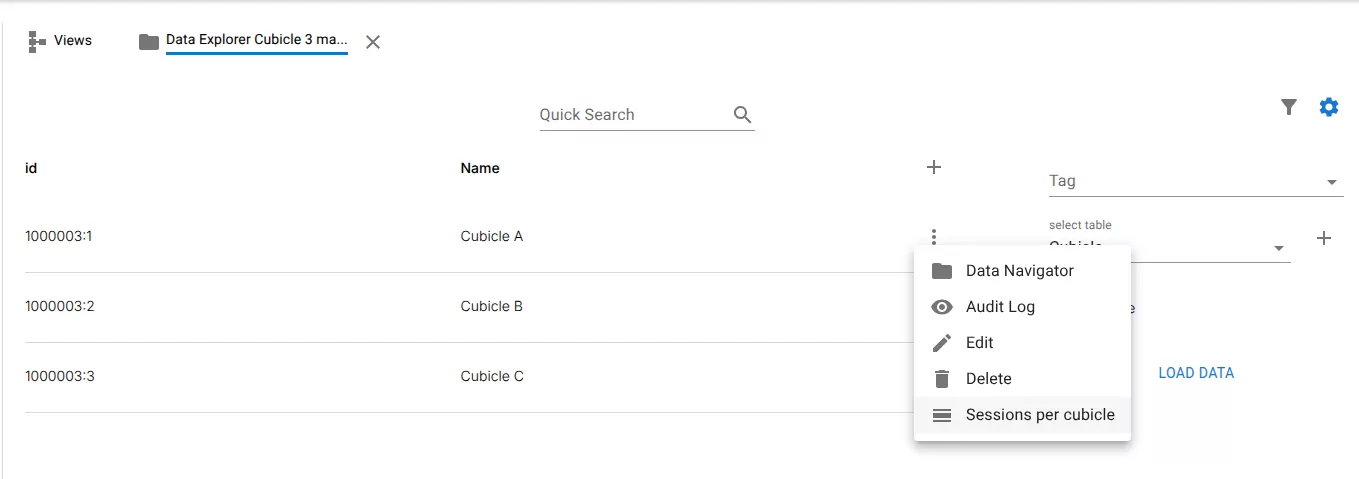
Open the row menu for the row you want to inspect.
Open the view
Select the view from the menu.
Example:
Sessions
Result
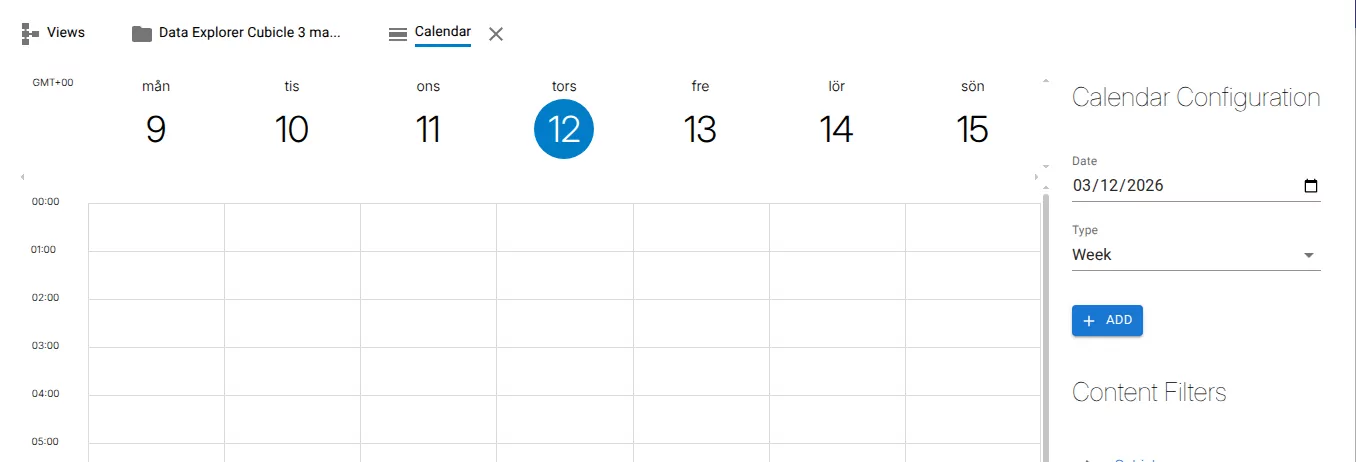
The selected view opens and displays the data related to the selected row.
Related resources
Understand the concept