Software That Reflects Your Business
Minyu is a no-code information platform for organizations that need flexibility without the cost, risk, and long-term burden of building a fully bespoke system.
It is designed for teams that have outgrown spreadsheets, reached the limits of generic off-the-shelf tools, or realized that most no-code platforms fail when real-world complexity enters the picture—especially around rules, dependencies, and booking constraints.
Minyu provides a stable foundation for managing structured information and operational processes, where complexity is handled through explicit models and rules rather than fragile workarounds.
Minyu unifies data modeling, business rules, scheduling, and integration into a single coherent system.
Native Booking and Scheduling
Booking and scheduling are first-class concepts in Minyu—not add-ons, extensions, or UI-level features.
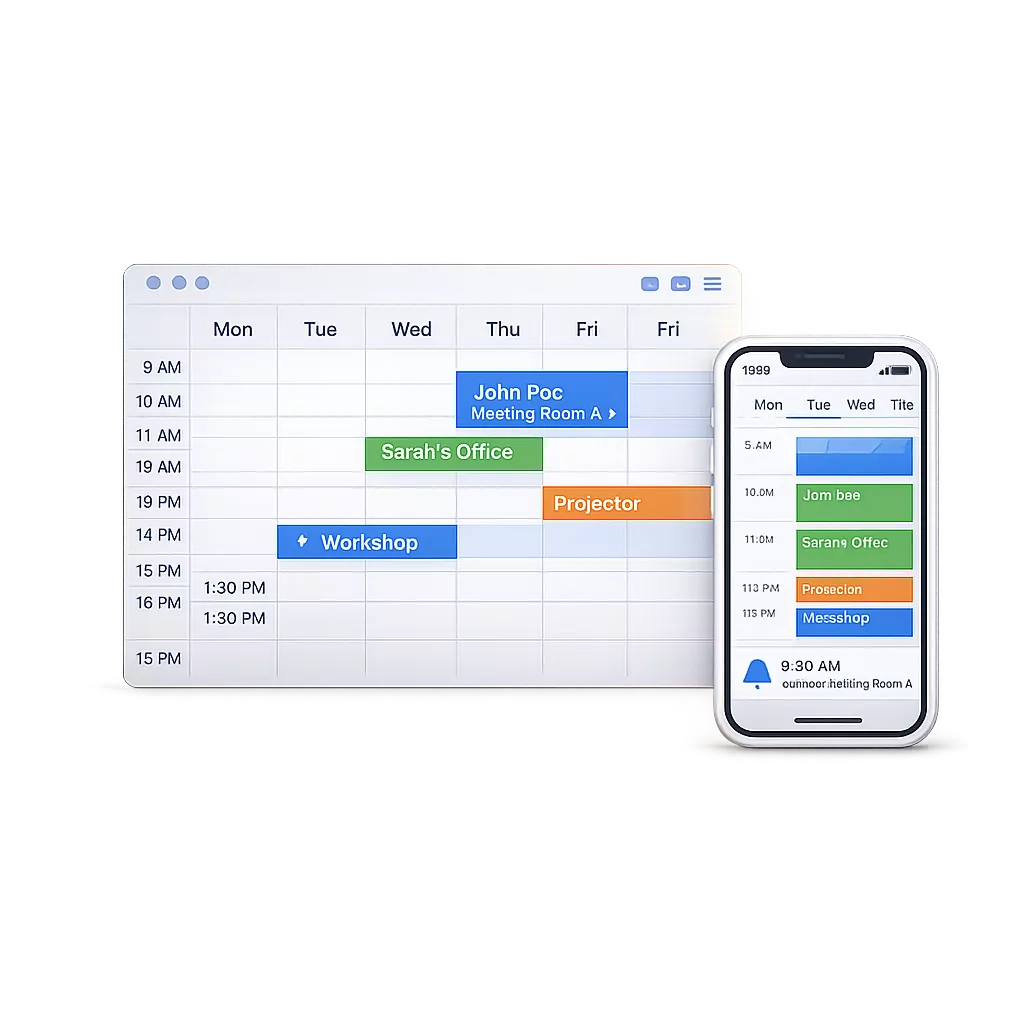
People, rooms, equipment, services, and time are modeled explicitly. Availability, dependencies, and constraints are enforced by the system itself, ensuring that bookings remain consistent and valid even as complexity grows.
Minyu handles scenarios such as, Back-to-back bookings, Complex multi-resource bookings, Work schedules with repeating patterns,Constraint-aware allocations, etc.
At its core, Minyu’s scheduling is based on formal, mathematical models of time, sets, and constraints—not on loosely connected settings or conditional flags. This makes it possible to express and enforce rules that are difficult or impossible to represent in traditional booking systems, such as conditional availability, composite constraints, and rule-driven exclusions.
Built for Back-Office Work
Most software interfaces are designed for occasional use. They prioritize guided flows and simplified views, hiding structure to make single tasks easy to complete.
Minyu is built for a different kind of work.
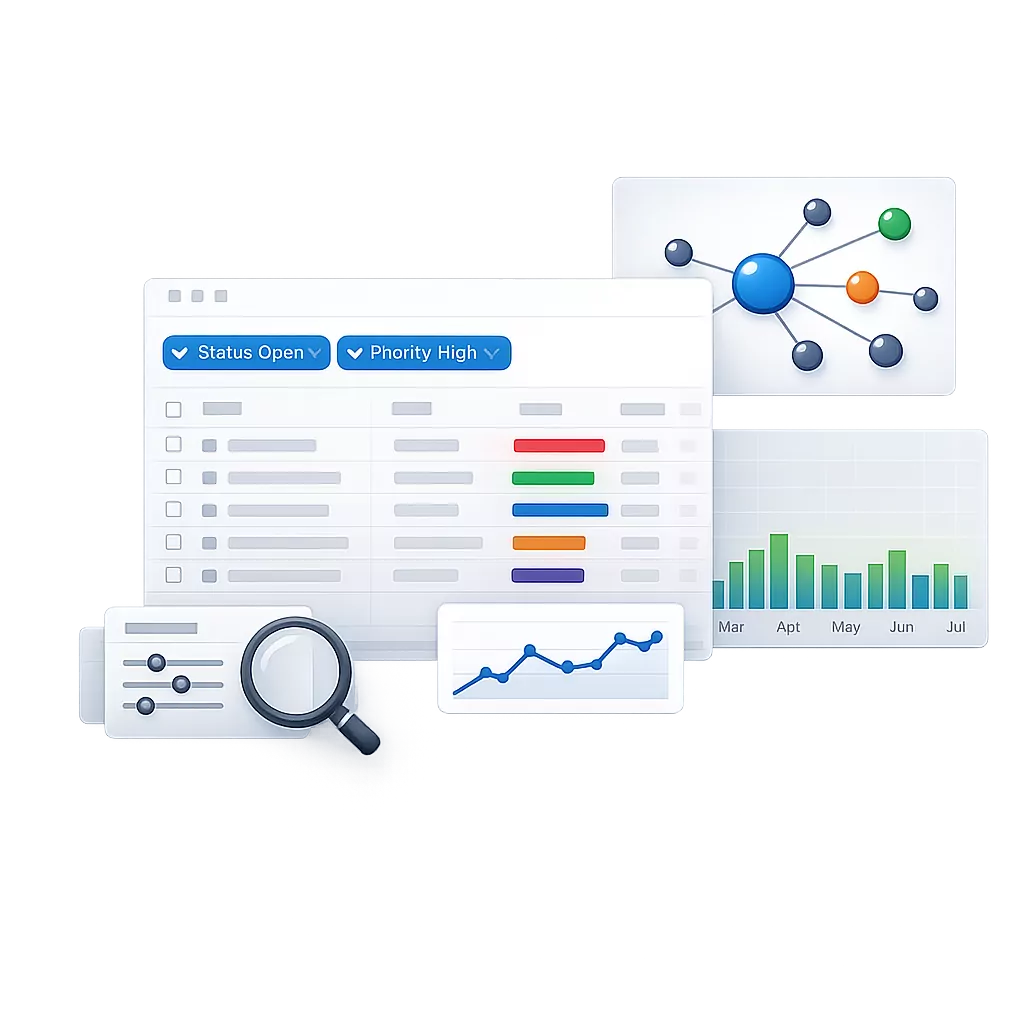
Its interface is designed for professionals who work inside their systems every day and need to engage deeply with information—following data across relationships, exploring it from multiple angles, aggregating it, and examining how it changes over time. The goal is not just to retrieve information, but to understand it efficiently.
Rather than fixed, task-specific screens, Minyu exposes the underlying data structure and applies views as tools for understanding. Each view is a projection over the same data, allowing information to be listed for overview, grouped to reveal patterns, filtered to focus, followed through relationships, or inspected over time.
Because these views operate directly on the data model, they remain expressive and efficient to work with. As Minyu evolves and new views are added or existing ones are refined, they integrate naturally with the same underlying structure—without breaking workflows, duplicating logic, or requiring the system to be rethought.
European Software for the European Market
Minyu is built to operate under European regulatory and operational expectations.
Data protection, accountability, and governance are core system properties. Compliance is embedded directly into how information is structured, accessed, and changed within the system.
Open by Design
Minyu is built to integrate, not isolate.
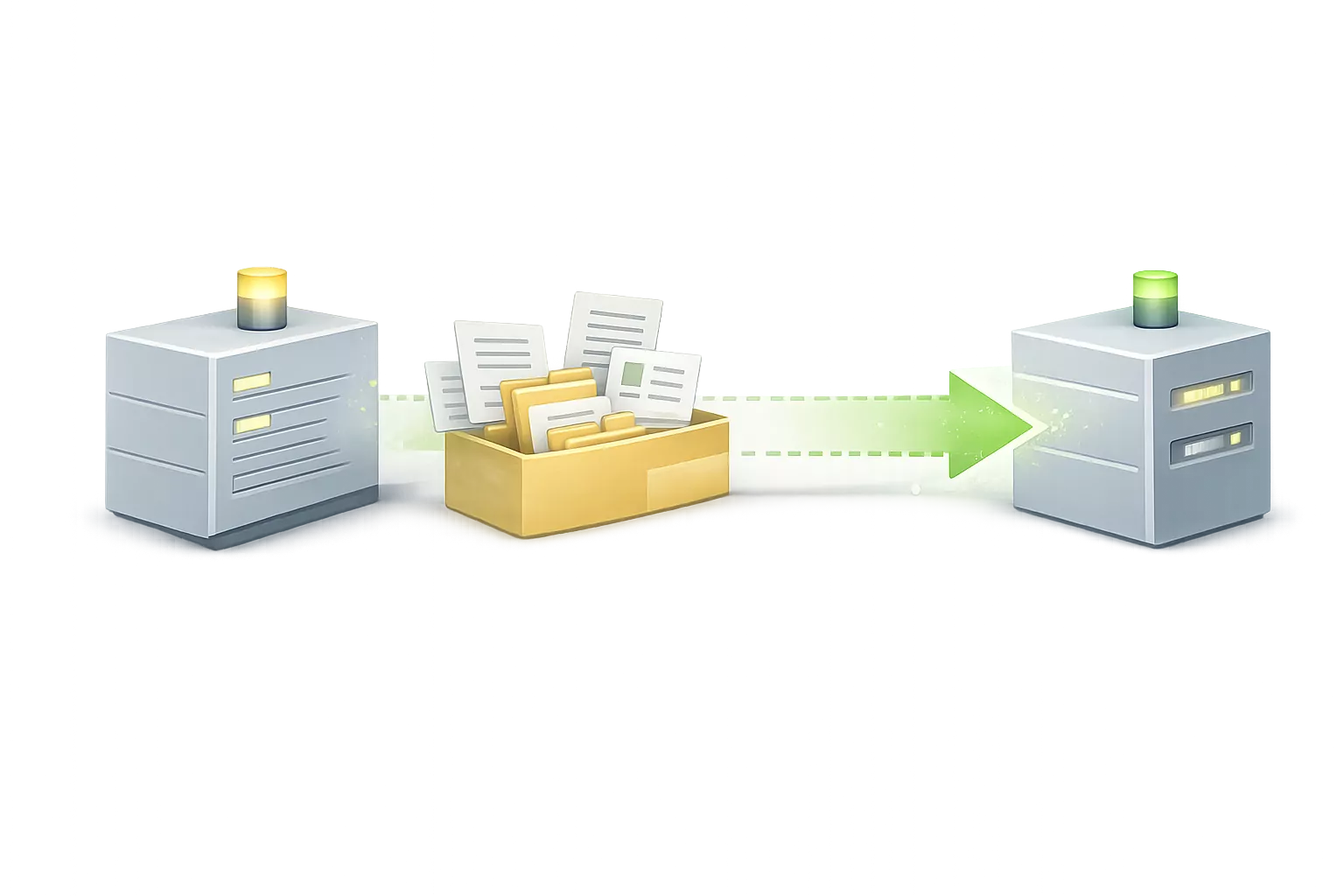
Your data is not locked into proprietary formats or closed workflows. Import, export, and open interfaces are first-class concepts, allowing Minyu to function as part of a broader ecosystem.
This ensures long-term flexibility, interoperability, and freedom to evolve—without being tied to a single tool or platform.
How is Minyu Different?
Many systems support custom data structures and rules, and many handle resource allocation and scheduling.
Less common are systems that support both—and even fewer that do so with the level of granularity and sophistication that Minyu offers.
In short, Minyu provides an unmatched ability to define precise rules, classifications, and schedules, while being designed specifically for back-office use.
Who Minyu is for
Minyu is designed for organizations that:
- have outgrown spreadsheets or simple tools
- manage structured data with relationships between entities
- need to enforce rules, not just store information
- rely on scheduling, availability, or resource allocation
- require control over access and data visibility
It is typically used by teams working with internal systems, operations, or resource planning—where consistency and correctness matter more than simplicity.
Not a good fit for:
- simple task tracking or lightweight tools
- basic CRM usage without rules or structure
- small teams without recurring processes or data complexity
Example use cases
Minyu is used to build systems where structured data, rules, and scheduling must work together.
Common scenarios include:
-
Resource booking systems
Manage rooms, staff, equipment, and services with constraints such as availability, dependencies, and qualifications. -
Internal operations systems
Combine CRM, workflows, permissions, and data management into a single structured system. -
Scheduling with constraints
Define availability, exclusions, and rule-based conditions for when actions are allowed. -
Systems with strict access control
Control who can see and modify data based on roles, relationships, and conditions. -
Data platforms with audit and compliance requirements
Track changes, enforce rules, and maintain consistency across all operations.
Features and Examples
Data Model
Define your entities and relationships—how your business is organized.
Built on a relational model, Minyu lets you map any data and connections you need.
-
Flexible data structure
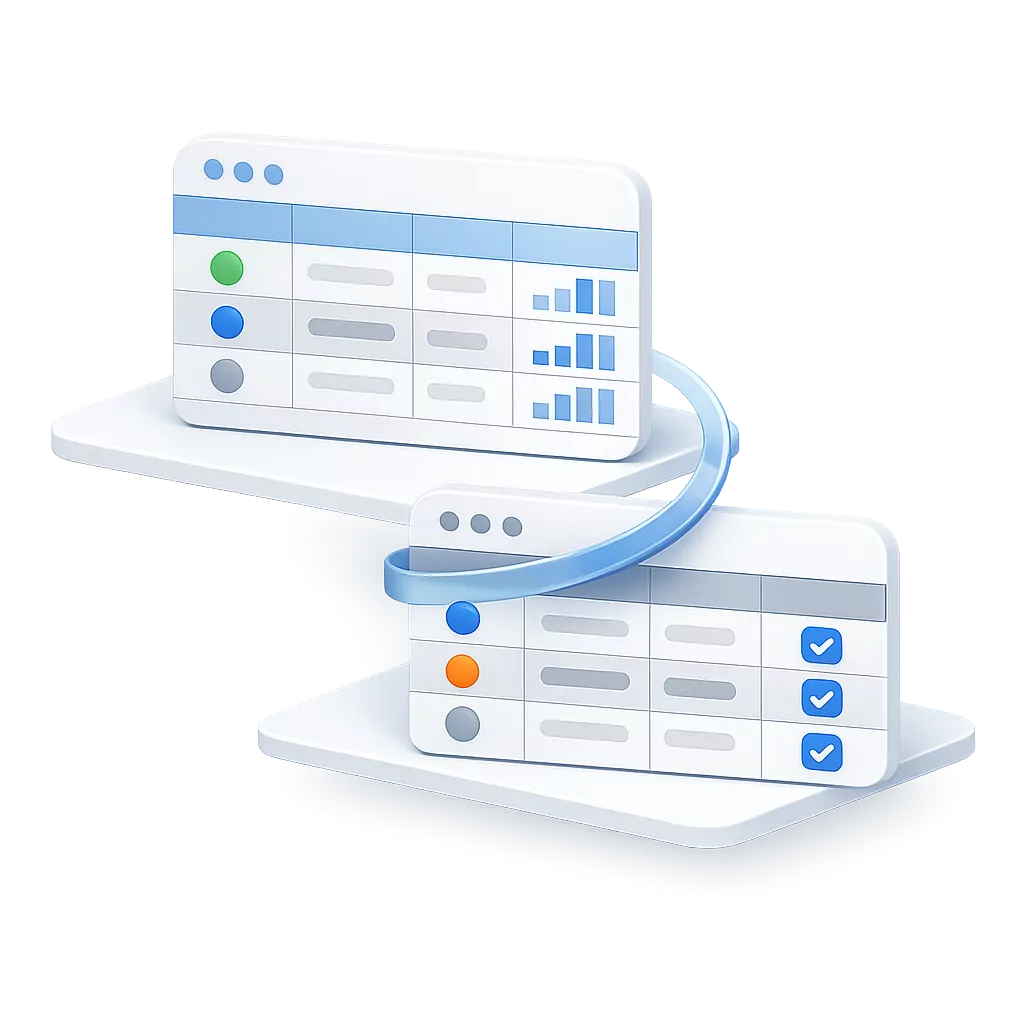
You can represent any kind of data by creating tables, adding fields, and linking them together.
Read more...
Minyu allows you to structure your data in a way that reflects how your business actually works. Instead of adapting to a fixed schema, you define your own entities, their attributes, and how they relate to each other.
Relationships between tables make it possible to connect information across the system, so data can be reused rather than duplicated. This creates a consistent and unified model where everything is linked and traceable.
Because the structure is explicit, it becomes easier to evolve over time. You can extend or refine the model without breaking existing data or workflows.
-
Change history

All changes are automatically logged, so you can always see what changed and when.
Read more...
Every change in the system is recorded automatically, creating a complete history of how data has evolved over time. This makes it possible to trace exactly what happened, when it happened, and who performed the change.
The audit log is directly tied to the data model, allowing you to inspect changes in context rather than as isolated events. This supports investigation, troubleshooting, and accountability without requiring separate tools.
Because logging is built into the system, it is always consistent and cannot be bypassed, ensuring that critical changes are never lost.
-
Automatic backups
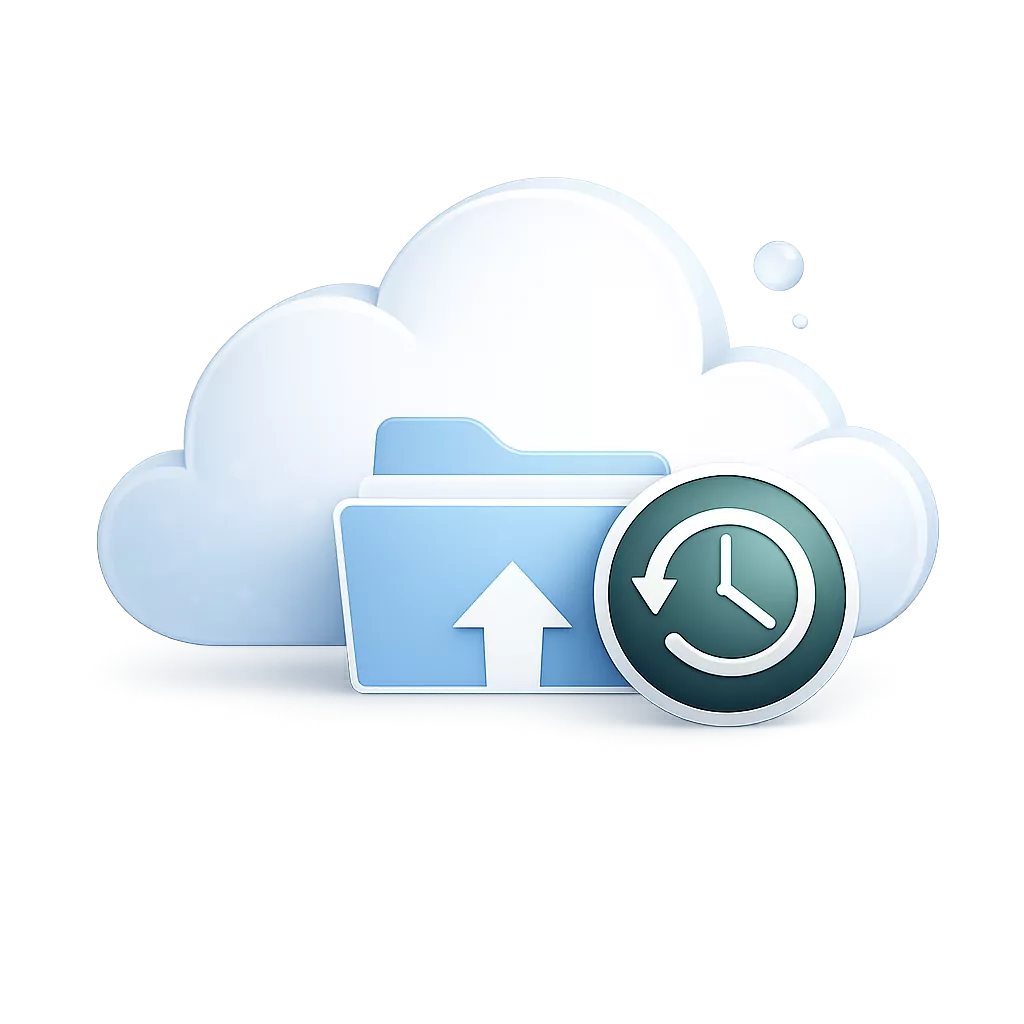
Your data is backed up daily to keep it safe.
Read more...
Minyu continuously protects your data by creating regular backups, ensuring that information can be recovered if something goes wrong. This reduces the risk of data loss due to errors, failures, or unexpected changes.
Backups capture the full state of the system, including structure and relationships, not just individual records. This makes it possible to restore the system to a known, consistent point in time.
Because backups are handled automatically, protection is always in place without requiring manual intervention or additional setup.
-
Access control

Fine-grained access can be defined for both read and write operations.
Read more...
Access control in Minyu allows you to define exactly who can see and modify data, based on roles, relationships, and conditions in the data model. This ensures that users only interact with information relevant to their responsibilities.
Permissions are applied consistently across all parts of the system, including views, search, exports, and integrations. This removes the need to manage access separately in different features.
Because access rules are model-driven, they remain aligned with how your data is structured, reducing the risk of inconsistencies or unintended exposure.
Classifications and Business Rules
Business rules build on classifications to control behavior.
They define who can see and change data, acting as soft constraints that prevent invalid states and keep operations consistent.
-
Value classifications
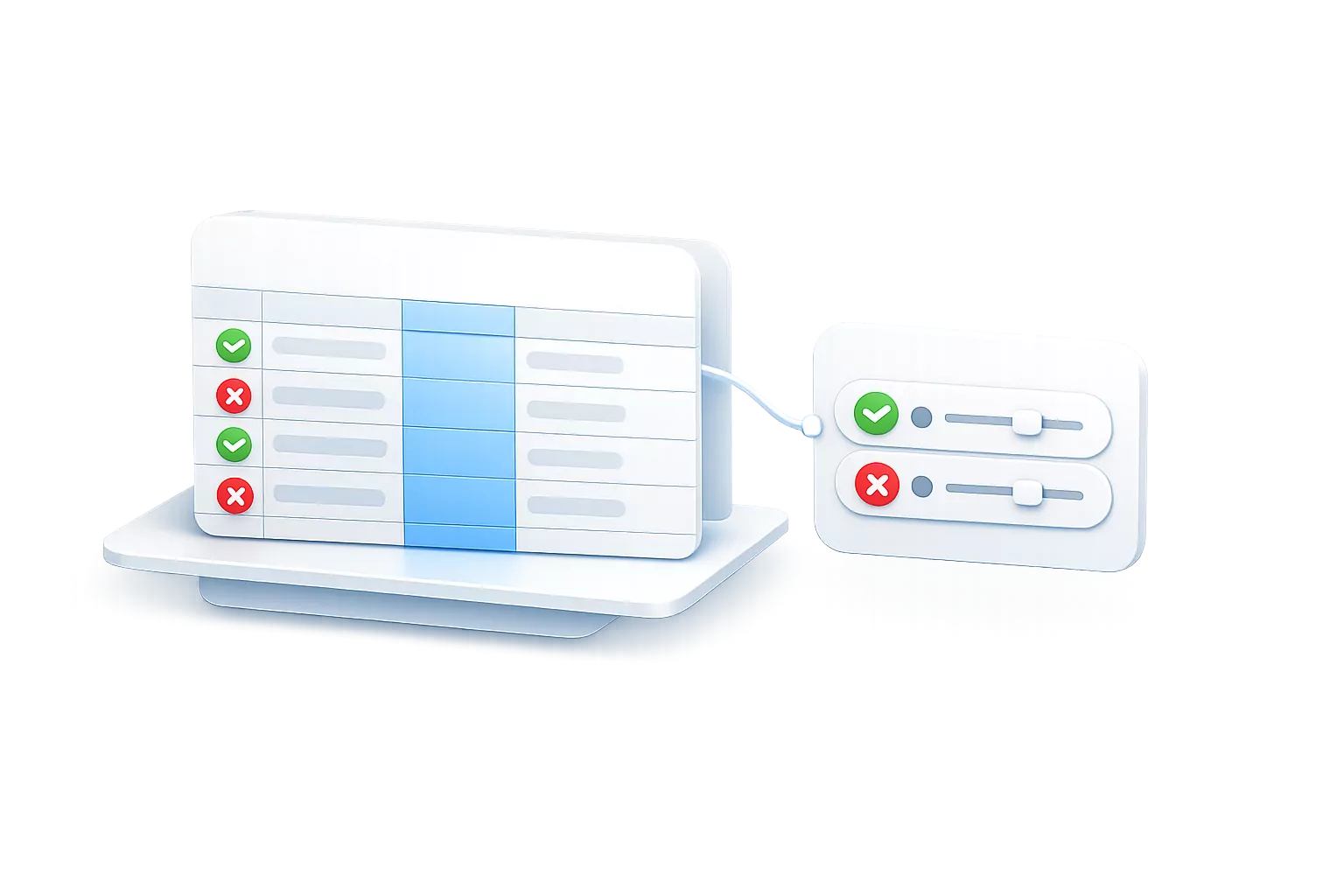
E.g: Checks if an email is valid.
Read more...
Value classifications validate individual fields by checking whether a value meets specific criteria. This ensures that data entered into the system follows expected formats and rules from the start.
These checks can be applied to anything from simple formats, like email addresses or numbers, to more specific constraints such as ranges or required values. Validation happens as part of normal data entry, preventing incorrect data from being stored.
Because validation is defined as part of the model, it is applied consistently across all interfaces, ensuring that data quality is maintained regardless of how the system is used.
-
Relational classifications
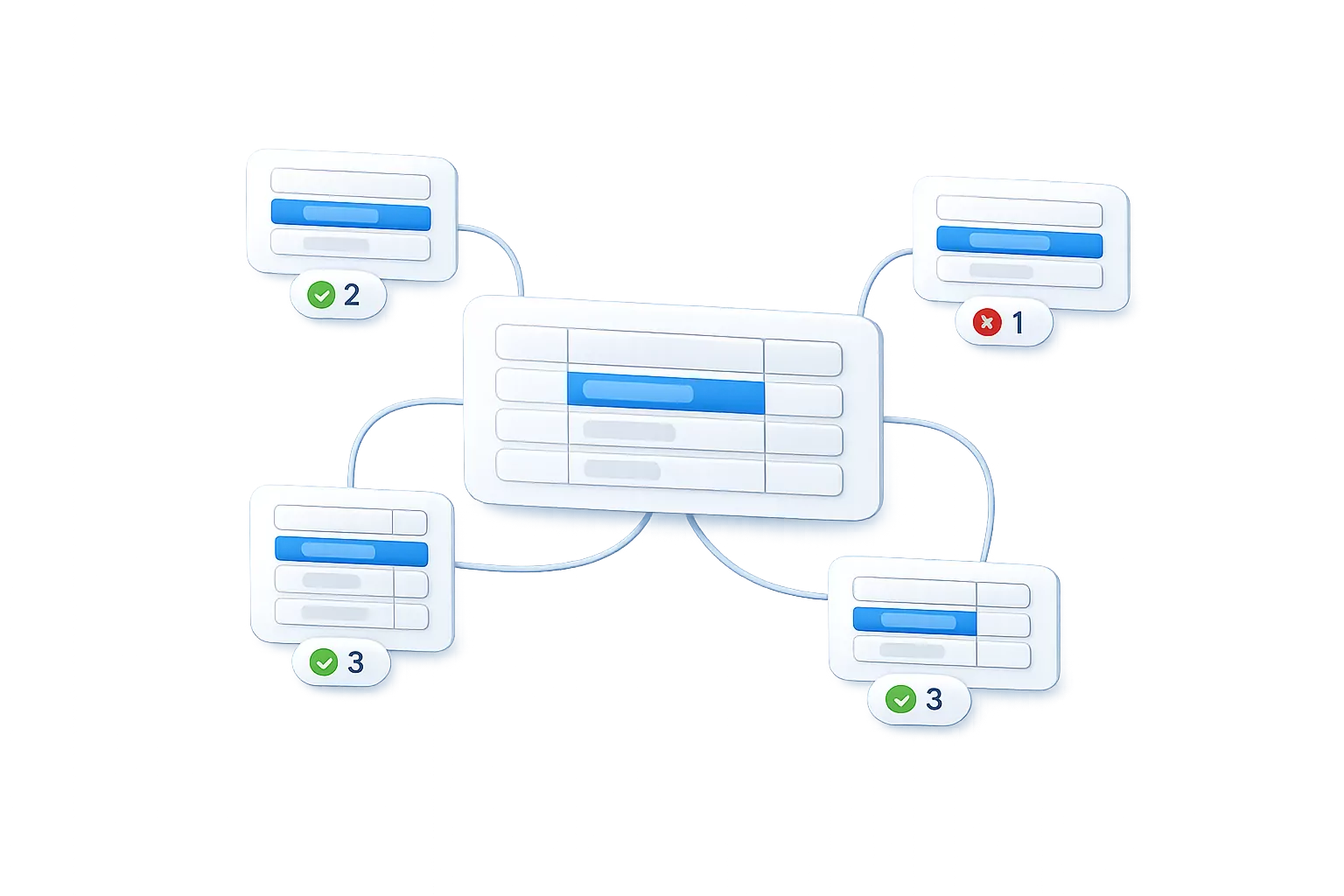
E.g: Ensures a user can only approve orders within their own sales region.
Read more...
Relational classifications evaluate data based on how records are connected. Instead of looking at a single value, they consider relationships between entities to determine whether a condition is met.
This makes it possible to express rules that depend on context, such as ownership, hierarchy, or grouping. For example, actions can be limited based on which region, department, or entity a record belongs to.
Because these rules follow the data model, they remain accurate even as relationships evolve, ensuring that behavior always reflects the current structure of the system.
-
Logical classifications
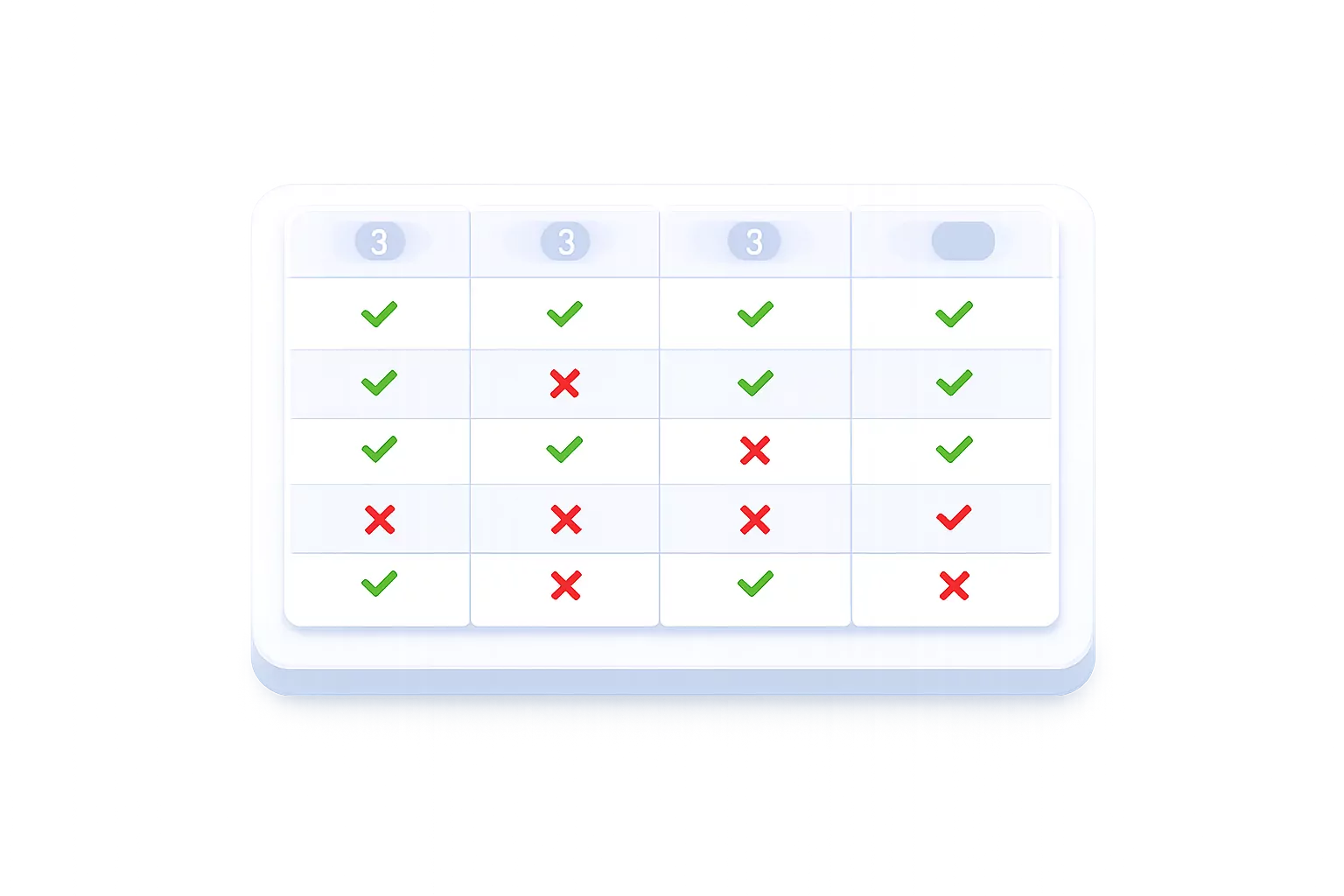
E.g: Ensures a customer can book only if they are active, have a valid contract, and are not marked as payment overdue.
Read more...
Logical classifications combine multiple conditions into a single evaluation. This allows you to define more advanced rules by linking together value and relational checks.
Conditions can be grouped and combined using logical operators, making it possible to express real-world requirements such as eligibility, status checks, or multi-step constraints.
By structuring logic explicitly, complex decisions remain transparent and maintainable, reducing the need for hidden or duplicated rule logic.
-
Classifications as rules
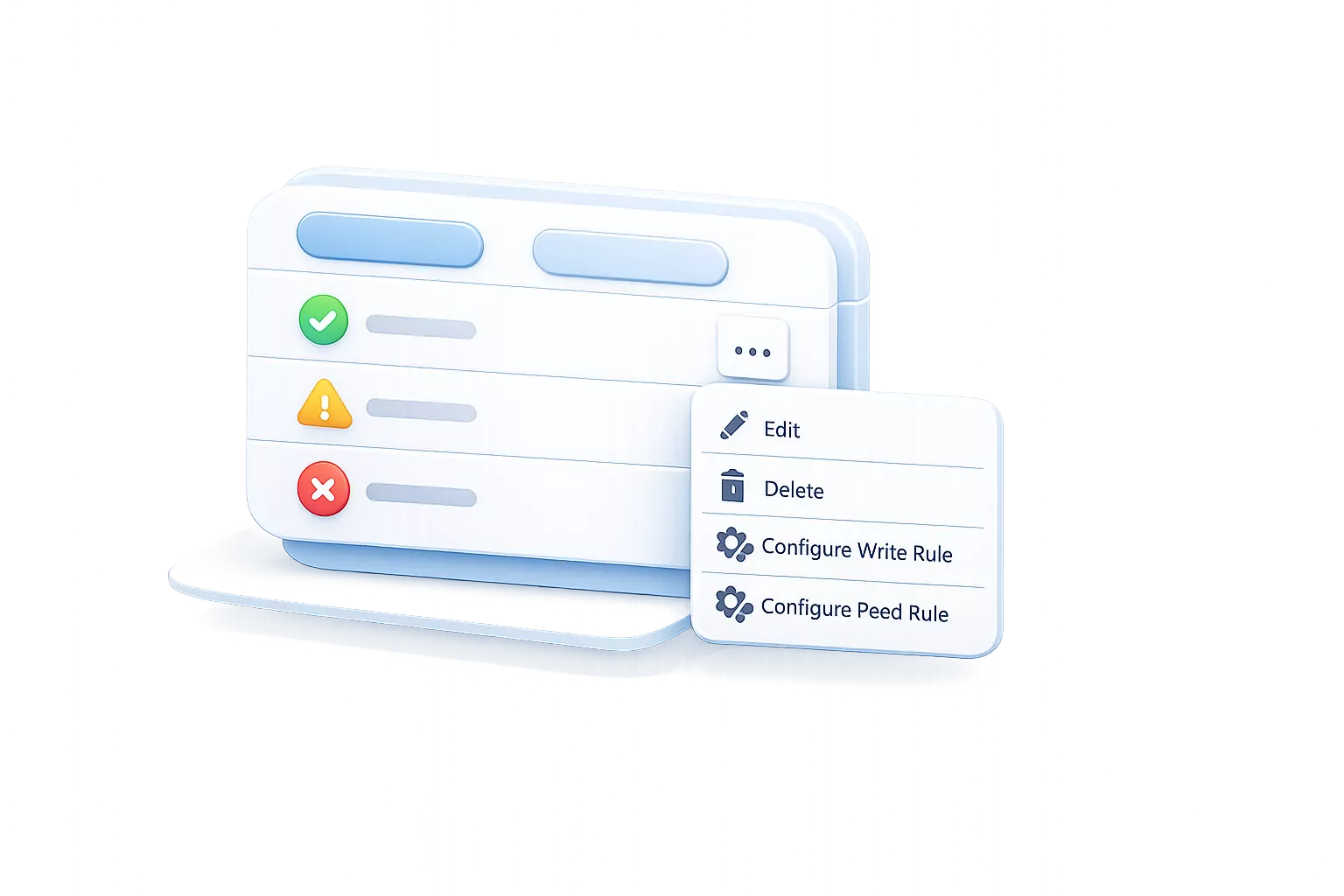
Any classification can be used to control both read and write access.
Read more...
Classifications can be used directly as rules to control what users can see and do in the system. This means that the same logic used to evaluate data can also govern access and behavior.
Read and write permissions can be tied to classifications, ensuring that access is always aligned with the current state of the data. For example, a record can become editable or hidden based on its status or relationships.
Because rules are built on the same model as the data, access control remains consistent, predictable, and easier to manage as the system grows.
Scheduling
Scheduling in Minyu defines which time slots exist and when they can be used.
Schedules are created by combining time intervals in different ways.
-
Time interval examples
-
Night shift hours
Between 22:00–06:00 (crosses midnight) -
Every hour on weekdays
Mon–Fri, every hour, duration 1h -
Every 15 minutes during office hours
08:00–17:00, stepped minutes (0, 15, 30, 45), duration 15m -
5th and 20th of every month at 10:00
Selected days of month
Read more...
Time intervals define repeating patterns of time, such as specific hours, days, or recurring points in a calendar. These patterns can represent anything from simple office hours to more irregular or long-running cycles.
Intervals can be combined and adjusted to match real-world requirements, including edge cases like overnight periods or non-continuous schedules. This makes it possible to describe time in a flexible but structured way.
Because intervals are defined independently, they can be reused across multiple schedules, ensuring consistency and reducing duplication when working with time-based logic.
-
-
Schedule examples
-
Night shift hours
Between 22:00–06:00 (crosses midnight), duration 8h -
Every hour on weekdays
Mon–Fri, every hour, duration 1h -
Every 15 minutes during office hours
08:00–17:00, stepped minutes (0, 15, 30, 45), duration 15m -
5th and 20th of every month at 10:00
Selected days of month, duration 1h
Read more...
Schedules are built by combining one or more time intervals into a concrete definition of when something can occur. They turn abstract time patterns into usable time slots with a defined duration.
This allows schedules to represent real operational constraints, such as working hours, recurring shifts, or planned availability. Multiple intervals can be layered to form more precise and realistic schedules.
Because schedules are model-driven, they can be reused across different parts of the system, ensuring that time-based behavior remains consistent wherever it is applied.
-
-
Slot selection

Schedules used to limit which slots can be selected.
Read more...
Slot selection uses schedules to control which time options are available when creating or updating data. Instead of allowing arbitrary input, users choose from a predefined set of valid time slots.
These slots are generated dynamically from the schedule, ensuring that only valid combinations of date and time can be selected. This prevents invalid or conflicting entries at the point of input.
Because slot selection is tied to the model, the same rules apply consistently across all interfaces, reducing errors and simplifying user interaction.
-
Availability
Schedules used to define availability.
Read more...
Availability uses schedules to define when something is allowed to happen, such as when a resource, person, or service is available. This creates a clear boundary between valid and unavailable time periods.
Availability can be combined with other constraints, such as bookings or exclusions, to ensure that time is allocated correctly. This makes it possible to model real-world scenarios like working hours, maintenance windows, or limited capacity.
Because availability is derived from the same scheduling model, it stays consistent with how time is defined elsewhere in the system, avoiding conflicts and duplication.
Interaction Model
Minyu is designed for back-office work, focusing on efficient navigation and working with data in context.
-
Universal, context-aware search

Search across all data without knowing where it lives, with results ranked by relevance and relationships while always respecting access rules.
Read more...
Universal search removes the need to understand where data is stored before finding it. From a single entry point, you can search across the entire system and still reach deeply connected information.
Results are ranked not only by text match, but by how records relate to each other. This makes it possible to surface relevant data even when the connection is indirect or spans multiple steps.
Because search operates directly on the data model, it always respects permissions. Each user sees results based on their access, ensuring consistency with the rest of the system.
-
Snap layout workspace
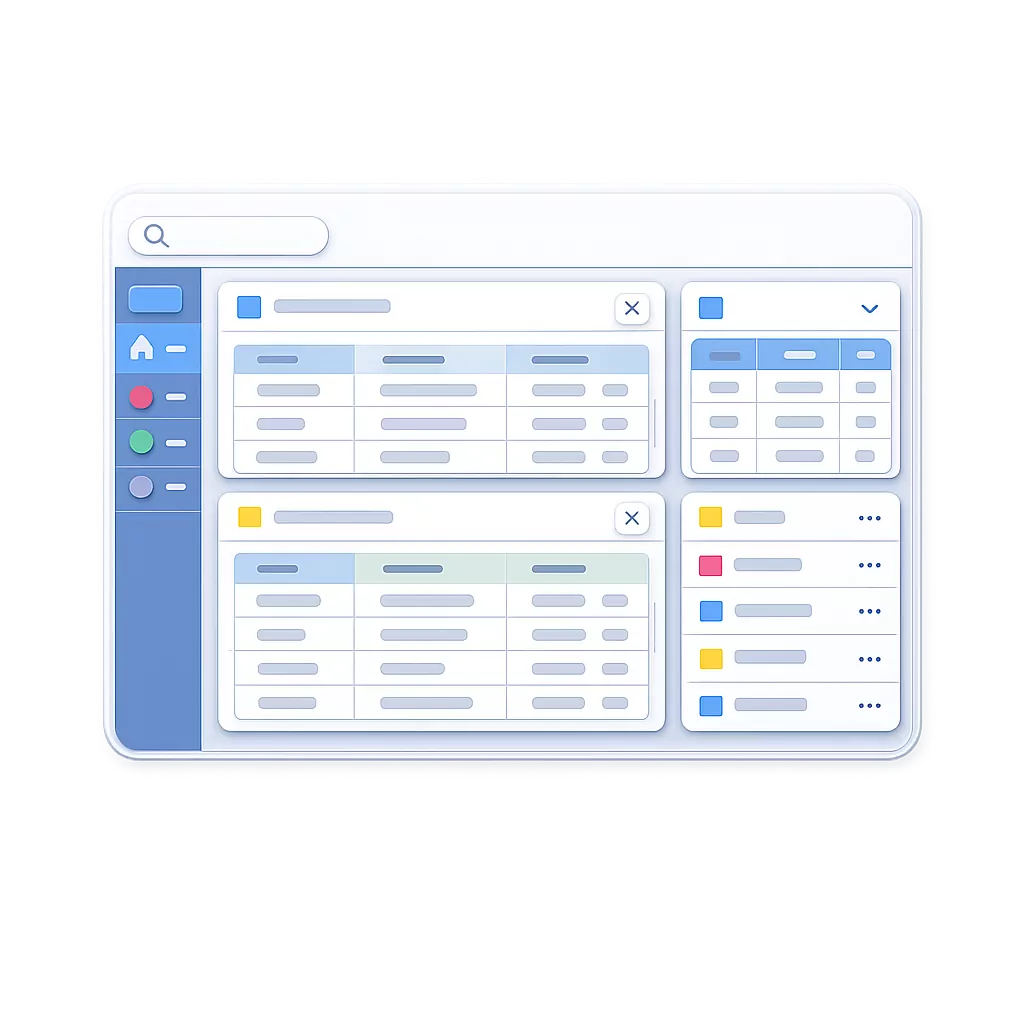
Multiple panels arranged in a split layout, each with its own tabs, allowing you to work across views in parallel without losing context and resize and snap any window into place.
Read more...
The snap layout workspace allows you to organize multiple views side by side, making it possible to work with related data in parallel. Each panel can contain its own tabs, creating a flexible and task-focused workspace.
You can resize, rearrange, and snap panels into place depending on what you are working on. This reduces the need to switch between screens and helps maintain focus across connected tasks.
Because all views are connected to the same data model, context is preserved as you move between panels, ensuring that changes and navigation remain consistent.
-
Record-based navigation
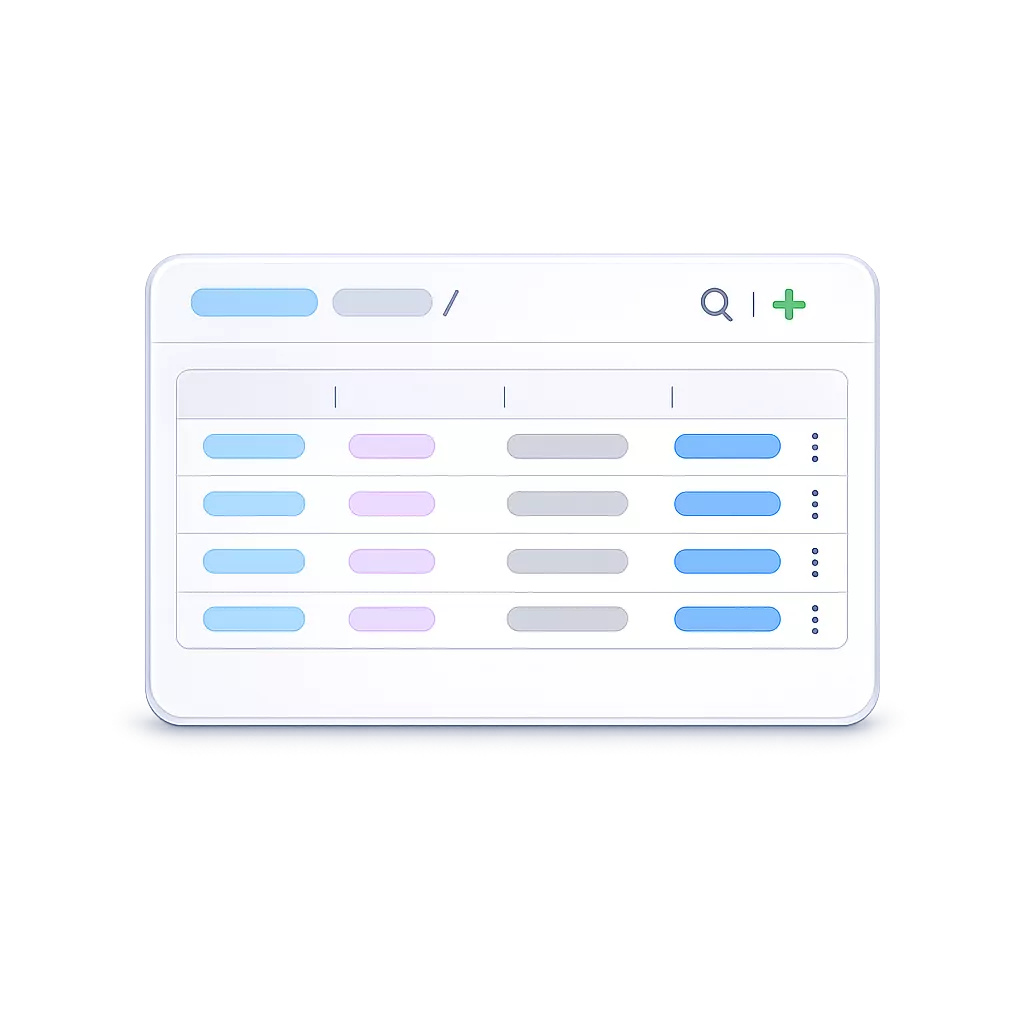
Follow connected data step by step while maintaining a visible trail of how you got there, making deep navigation predictable and easy to trace back.
Read more...
Record-based navigation lets you move through connected data one step at a time, following relationships directly from a selected record. This makes it possible to explore complex data structures without losing orientation.
Each step in the navigation is tracked as a visible trail, showing exactly how you arrived at the current context. This makes deep exploration predictable and easy to reverse.
Because navigation is model-driven, all relationships behave consistently, allowing you to traverse data reliably regardless of where you start.
-
Visualizing time, structure, and aggregates

Project the same data into calendars and charts without duplicating logic, with all views respecting relationships, rules, and permissions.
Read more...
Minyu allows you to present the same underlying data in different ways, such as calendars or charts, without redefining logic or duplicating data structures. Each view is derived directly from the data model.
This makes it possible to analyze time, relationships, and aggregated values using consistent definitions. Changes to the model are automatically reflected across all visualizations.
Because these views operate on the same rules and permissions as the rest of the system, they always present accurate and access-controlled information.
Integration
Minyu provides four ways to exchange data: bulk import, export, API, and notifications. Together, they support batch processing, real-time access, and event-driven synchronization.
-
Data Import
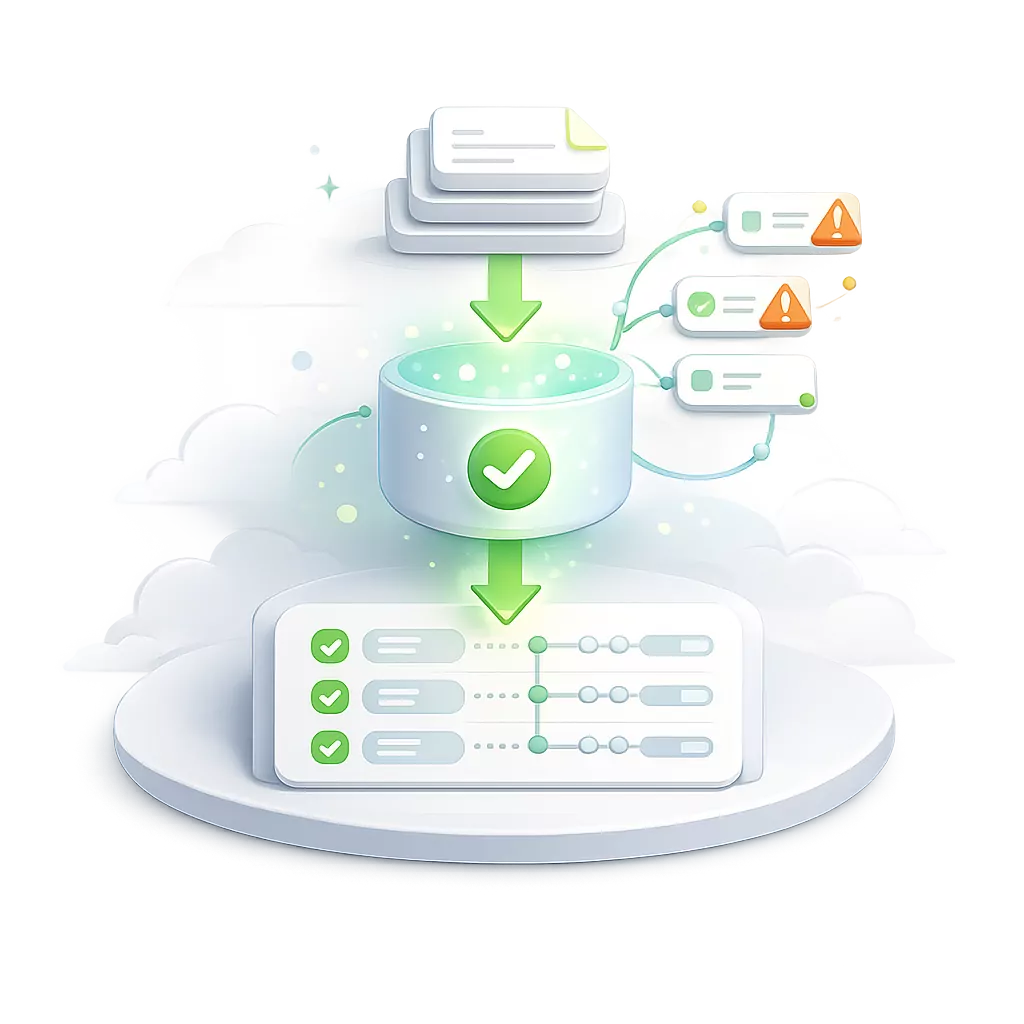
Data import loads external data into the system, establishing records and their relations while validating data and isolating errors for correction.
Read more...
Bulk import allows large volumes of data to be loaded into the system in a controlled and predictable way. It is designed for administrative use cases where data is prepared externally and applied as a batch rather than through interactive updates.
Data is uploaded as structured files and validated before execution, allowing errors to be identified and corrected in advance. During execution, each row is processed independently, so valid data is written even if other rows fail.
The import runs as a scheduled operation and applies changes directly to the data model, including creating records and establishing relationships. Because it operates outside normal write flows, it bypasses classifications and rules, relying instead on structural constraints.
Once execution begins, the process cannot be reversed. This ensures consistent and deterministic results when performing large-scale data updates.
-
Data Export
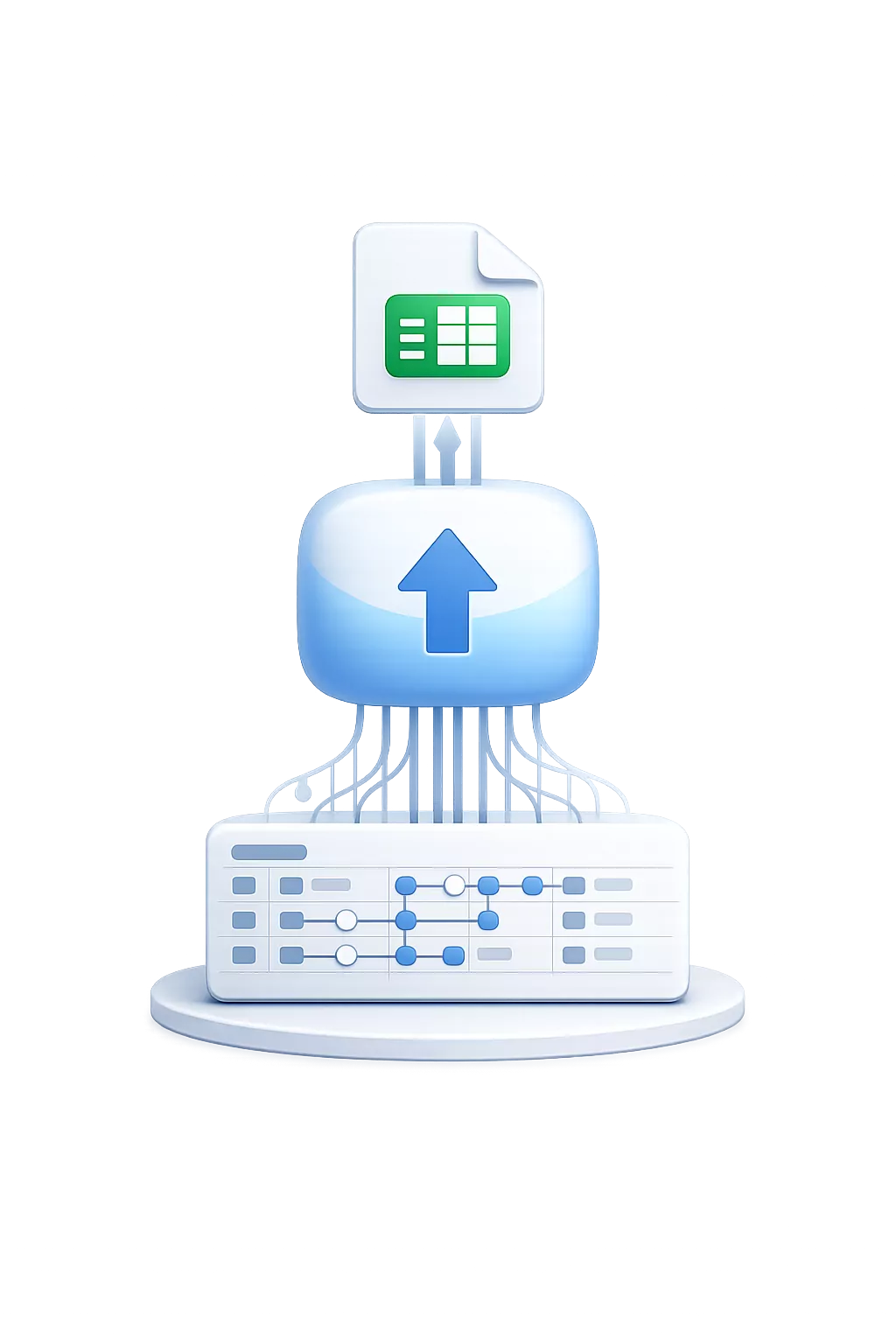
Data export extracts structured data from the system, including related records, and delivers it as a unified dataset.
Read more...
Data export allows you to extract data from the system in a structured and usable format, reflecting how your data is actually connected. Starting from a single table, you can include related information across the data model to produce a complete dataset.
The export is shaped by selecting columns and applying filters, giving you precise control over what is included. Data from related tables is resolved automatically and flattened into a single result, making it easy to use outside the system without additional processing.
Exports are generated on demand and always reflect the current state of the data at the moment they run. They are read-only and do not affect ongoing operations, allowing data to be retrieved without blocking the system.
All exported data respects read rules, meaning users can only export what they are allowed to see. This ensures that exports remain consistent with permissions and data visibility across the system.
-
API

Access and modify data programmatically in real time, with full support for relationships, rules, and permissions.
Read more...
The API provides direct, real-time access to your data model, allowing external systems to read and modify data without a separate integration layer. Because it is generated from the schema, it always reflects the current structure of your system.
Queries and mutations operate on live data and support full relational traversal, making it possible to work with connected data in a single request. All operations follow the same rules as the interface, including validation, permissions, and transactional consistency.
Since the API is schema-driven, any change to the data model is immediately reflected. This removes the need for versioning or deployments, but requires coordination when evolving the model to avoid breaking integrations.
All requests are authenticated as users and evaluated against access rules, ensuring consistent behavior across internal and external usage. Built-in limits and execution constraints protect system stability under load.
-
Event Notifications

Trigger events when data changes, enabling real-time updates and integrations.
Read more...
Notifications allow external systems to react to changes as they happen, without needing to continuously check for updates. Instead of polling the API, systems are informed immediately when relevant events occur.
Events are delivered as lightweight webhook messages that describe what changed, not the full data itself. This keeps notifications efficient and scalable, while allowing the receiving system to fetch additional details through the API when needed.
Notifications can be triggered by both data changes and state transitions, such as records being created or updated, or classifications changing from one state to another. This makes it possible to support both synchronization and business-driven automation.
Delivery is handled through signed webhooks with automatic retries, ensuring reliable communication even in the presence of temporary failures. Because notifications follow an at-least-once delivery model, receiving systems are expected to handle duplicate messages safely.
Where to go next
Whether you want to understand the concepts, explore the system, or evaluate if it fits your needs—start where it makes most sense:
-
Learn the thinking behind Minyu
Understand how business systems are structured and why Minyu is designed the way it is.
-
Explore the documentation
See how data models, rules, scheduling, and integrations are defined in practice.
-
Plans and pricing
Understand pricing, environments, and how to get started.
-
About the company
Learn more about the background, approach, and long-term direction.
If you have questions or want to discuss your use case:
No account or credit card is required to explore the documentation.