Create a view
Views provide alternative ways of visualizing data from tables.
A view is applied to tables that meet the structural requirements of the view type.
For example, a calendar view requires a column that represents a time range.
Open views
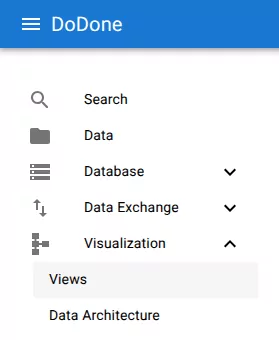
Navigate to:
Visualization → Views
Create a view
Click +.
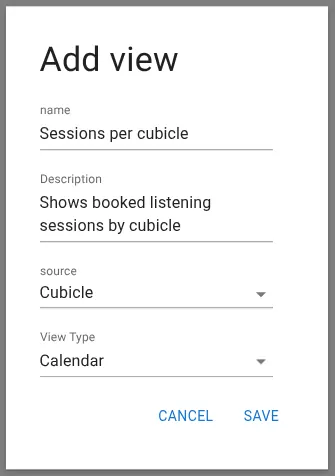
Configure the view
Provide the basic configuration:
- Name – Name of the view
- Description – Optional description
- Source – Table used as the data source
- View type – Visualization type (for example Calendar)
Click Save.
Result
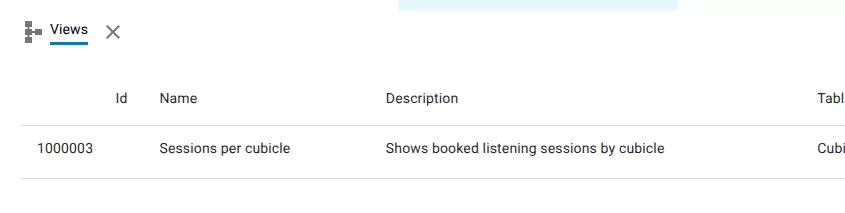
The view now appears in the list.
Related resources
Understand the concept