Change read policy
The read policy determines how Minyu evaluates read access rules across the system.
It defines whether rows are considered visible by default or hidden by default when read rules are evaluated.
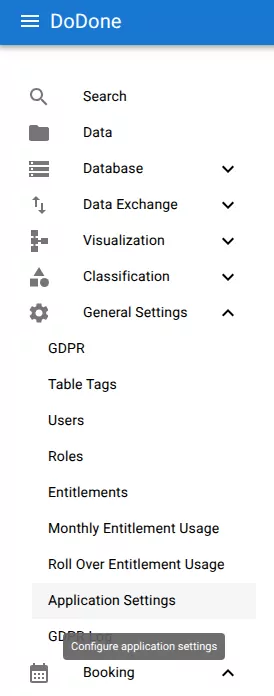
Open application settings
Navigate to:
General Settings → Application Settings
Select read policy

Under Read Policy, choose optimistic or pessimistic. The configuration change takes effect immediately across the system.
Related resources
Understand the concept
Reference