Edit a mutation event
Mutation events can be modified after they have been created.
1. Open the mutation event menu
In Data Exchange → Mutation Events, locate the mutation event.
Open the row menu.
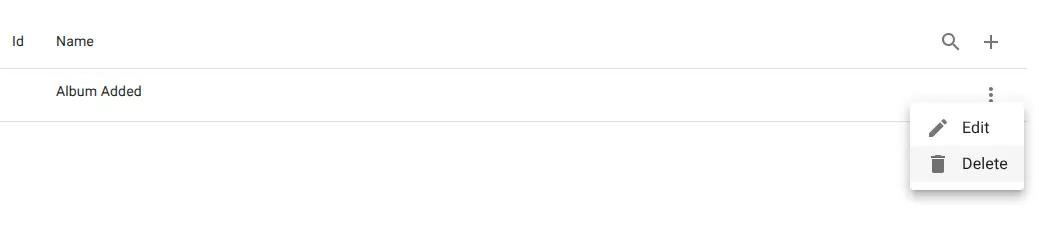
2. Select edit
Click Edit.
3. Update the configuration
Modify the fields as needed.
- Name
- Description
- Source table
- Path selection
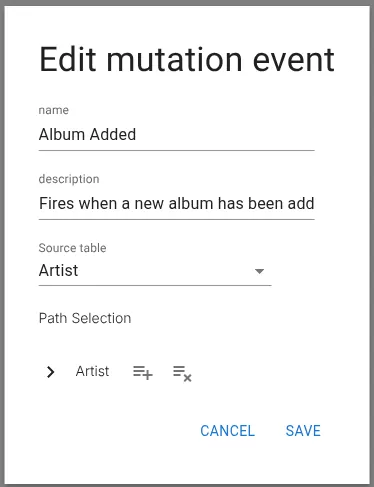
4. Save the changes
Click Save.
Related resources
Understand the concept