Schedule an import
After an import file has been uploaded and validated using a dry run, it can be scheduled for execution.
1. Open the import menu
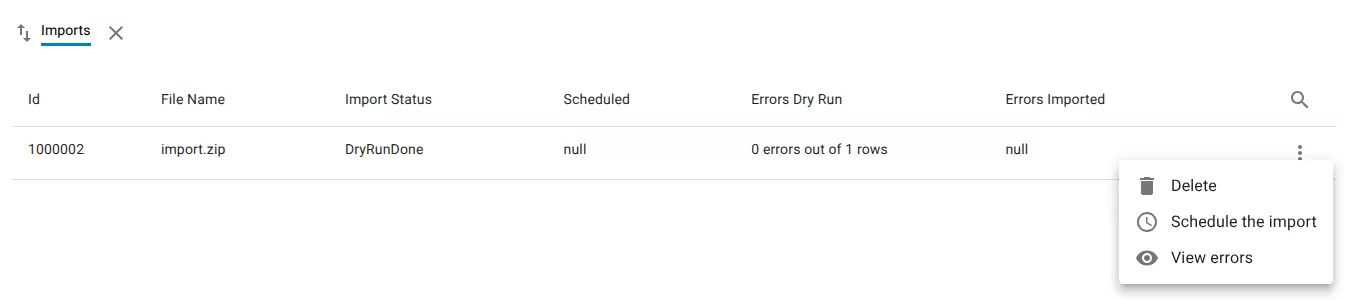
In Data Exchange → Imports, locate the import you want to run.
Open the row menu.
2. Schedule the import
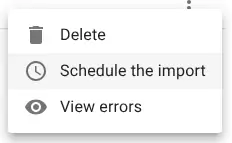
Select Schedule the import.
3. Select the execution time
Choose when the import should start.
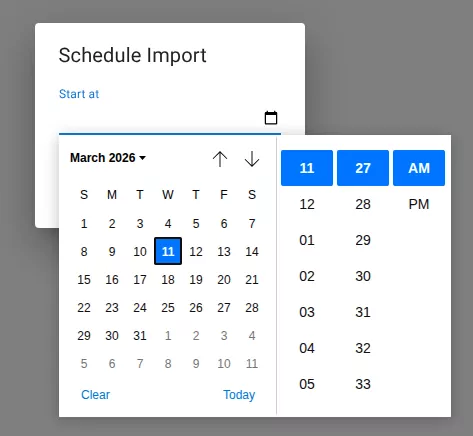
Click Save.
4. Import status
The import status changes to Scheduled.
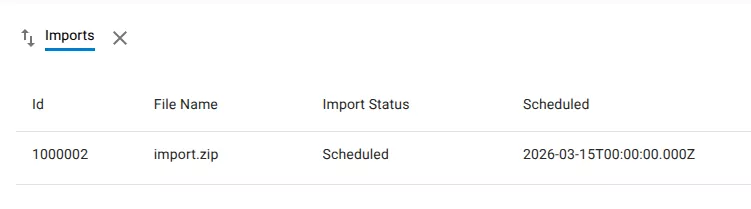
The system will execute the import at the scheduled time.
Related resources
Understand the concept