Delete an import
Imports can be removed from the system if they are no longer needed.
1. Open the import menu
In Data Exchange → Imports, locate the import you want to remove.
Open the row menu.
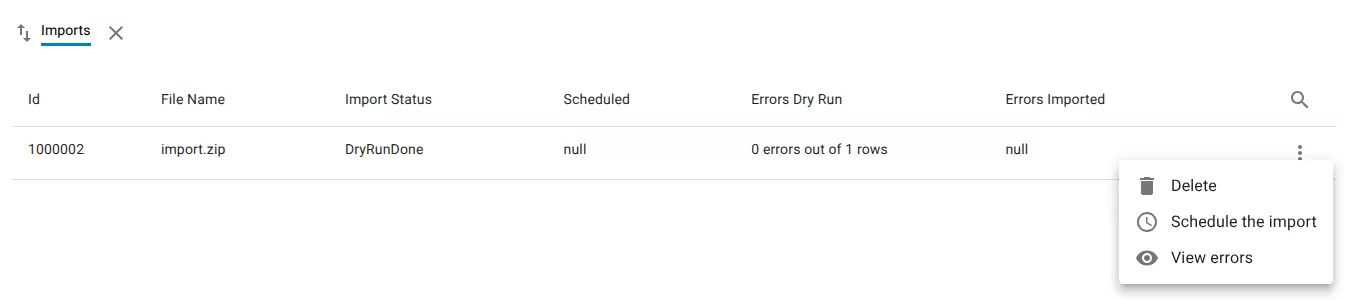
2. Delete the import
Select Delete.
3. Confirm deletion
Confirm the deletion in the dialog.

All data associated with the import will be removed.
Related resources
Understand the concept