Edit an export
Exports can be modified after they have been created. Editing an export allows you to update the file format, selected fields, or other export settings.
1. Open the exports view
Open Data Exchange → Exports from the navigation menu.
Locate the export you want to edit.

2. Open the export menu
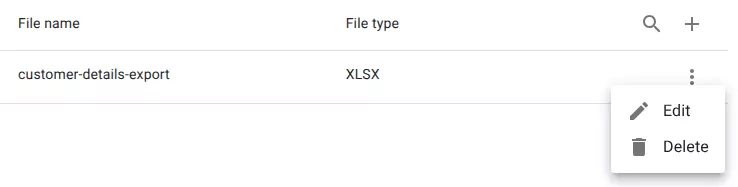
Click the menu icon at the end of the row.
This opens the actions menu for the export.
Tip
You can also double-click the row to open the edit dialog.
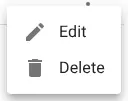
3. Select edit
Choose Edit from the menu.
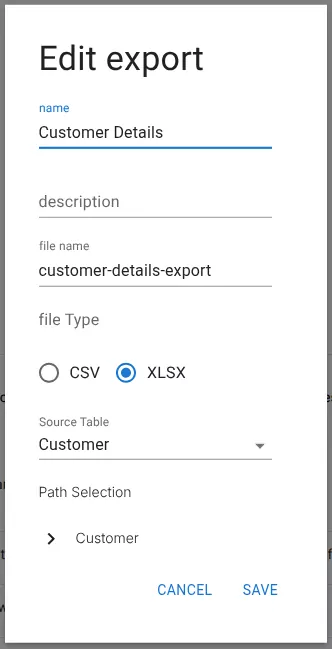
4. Update the export settings
In the Edit export dialog you can modify:
- Name
- Description
- File name
- File type (CSV or XLSX)
- Source table
- Path Selection (fields to include in the export)
5. Save the changes
Click Save to apply the updated export configuration.
Related resources
Understand the concept