Create an authentication configuration
Authentication configurations allow external systems to authenticate when interacting with the system.
Currently, HMAC authentication is supported.
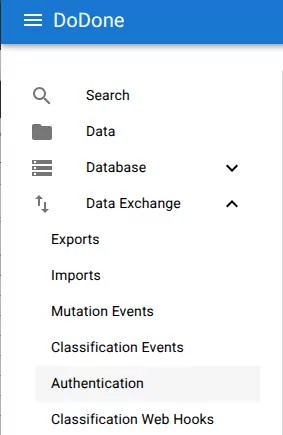
1. Open the authentication view
Navigate to:
Data Exchange → Authentication
2. Create a new configuration
Click the + button.
3. Configure authentication
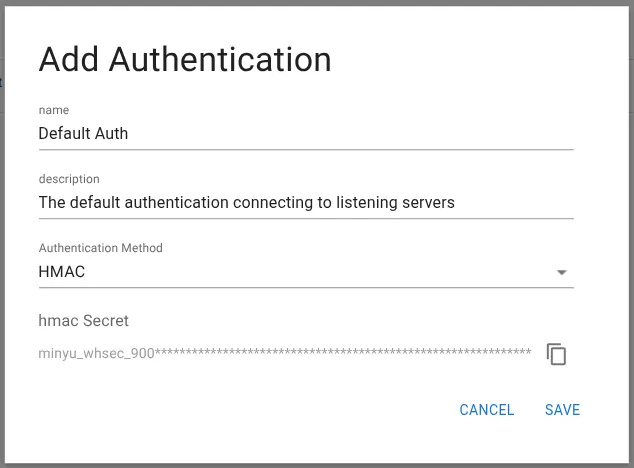
Fill in the configuration fields.
- Name – The name of the authentication configuration.
- Description – Optional description.
- Authentication Method – Currently only HMAC is supported.
4. Secret generation
When using HMAC, the system automatically generates a secret key.
The secret is displayed once created and can be copied using the copy button.
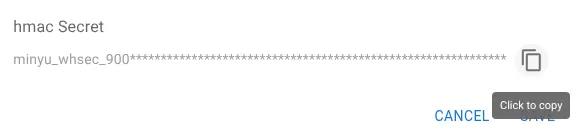
Store the secret securely. It is used by external systems to authenticate requests.
5. Save the configuration
Click Save to create the authentication configuration.
Related resources
Understand the concept