Delete a time interval
Time intervals can be removed if they are no longer used.
Open time intervals
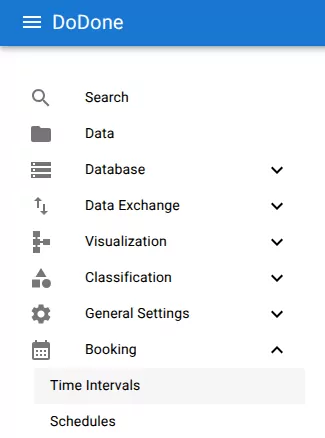
Navigate to:
Booking → Time Intervals
Delete the interval
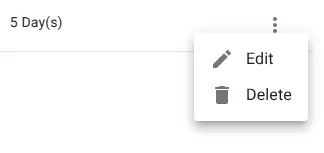
Open the row menu and select Delete.
Confirm deletion
Confirm the deletion when prompted.
The interval will be permanently removed.
Related resources
Understand the concept
Reference