Edit a schedule
Schedules can be updated at any time.
Open schedules
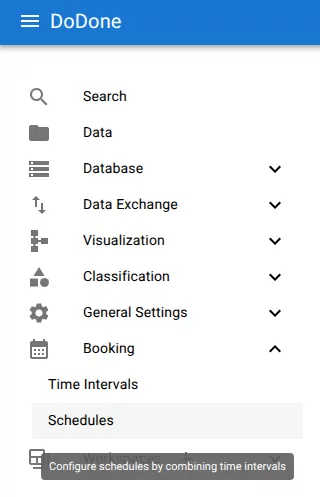
Navigate to:
Booking → Schedules
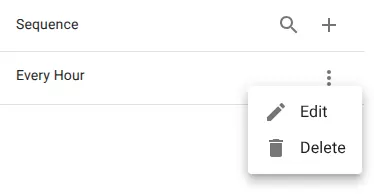
Open the edit menu
Open the row menu and select Edit.
Update the schedule
Modify:
- name
- description
- interval configuration
The preview updates automatically to show the resulting slots.
Save changes
Click Save to apply the changes.
All future slot generation will use the updated configuration.
Related resources
Understand the concept
Reference